Security use cases for critical sites
Eight workflows to scope with your cameras, VMS and robots.
Each use case shows how a mission layer could connect cameras, alarms, robots and drones into one response workflow. Coverage and response behavior need to be evaluated for your site.
Use cases
Select a use case to see how it could work.
Choose a card to jump to the detailed scenario, its workflow and the points to evaluate.
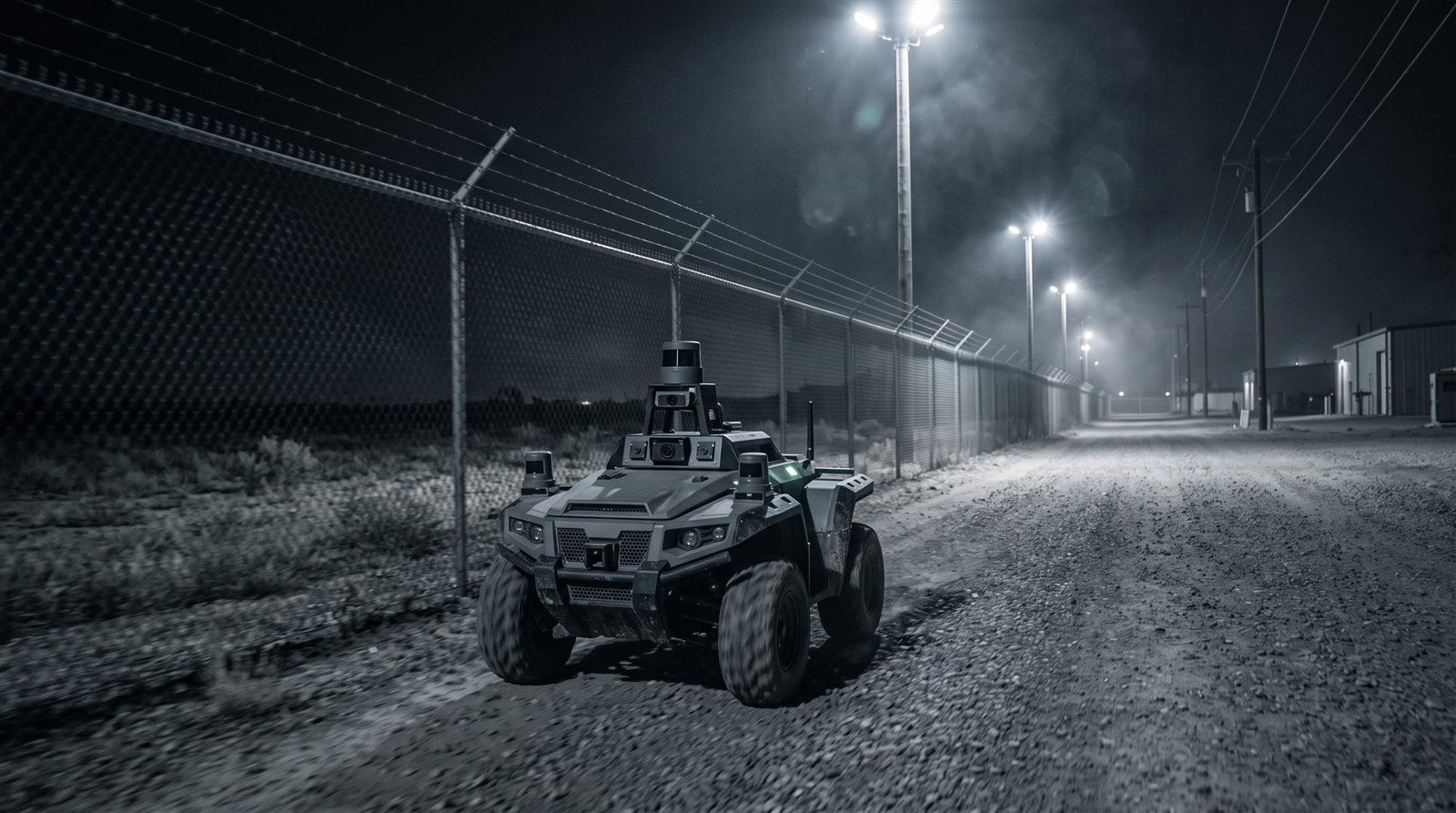
Scheduled perimeter patrols
Schedule autonomous patrols across land, air and sea assets.
View details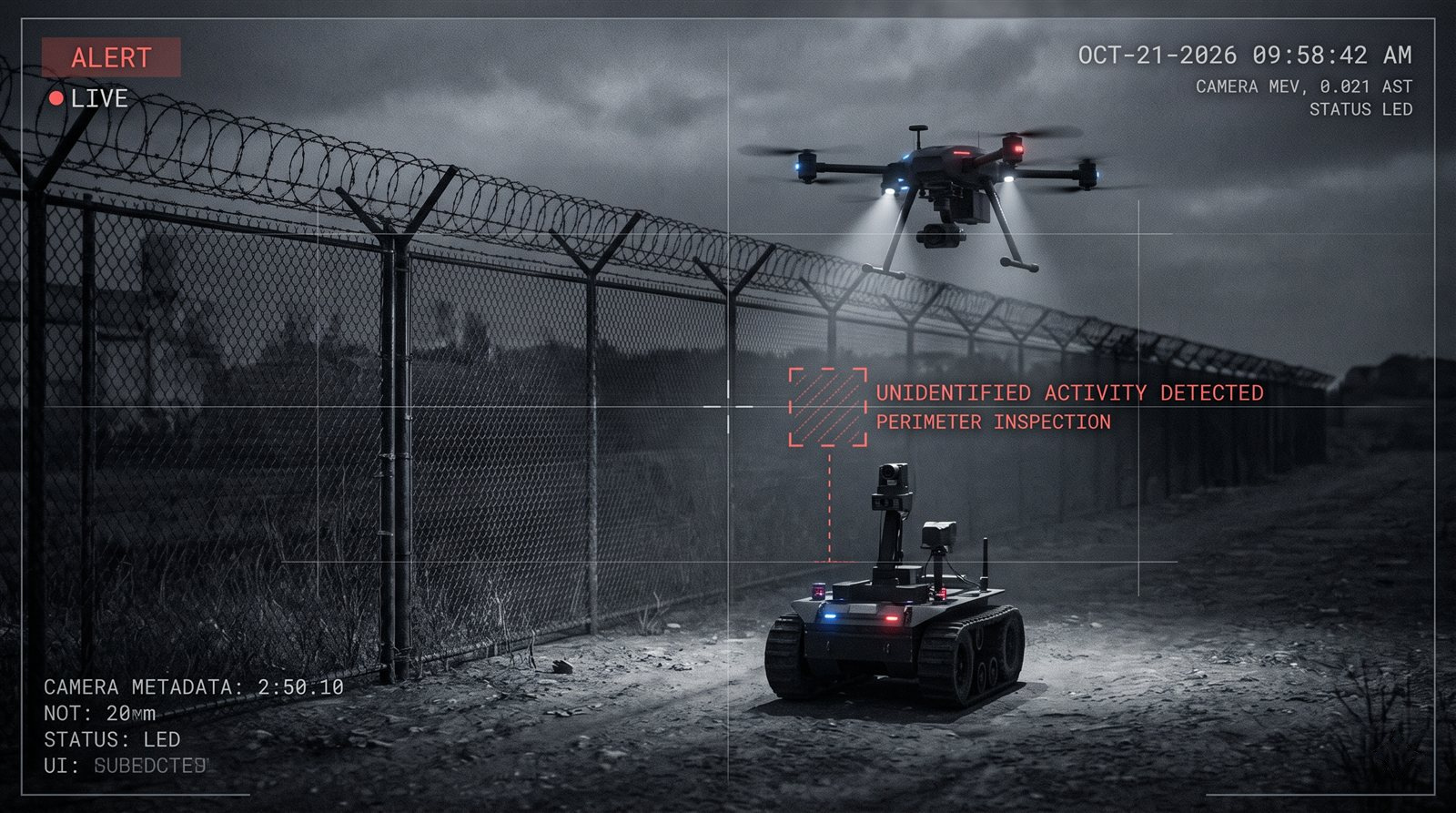
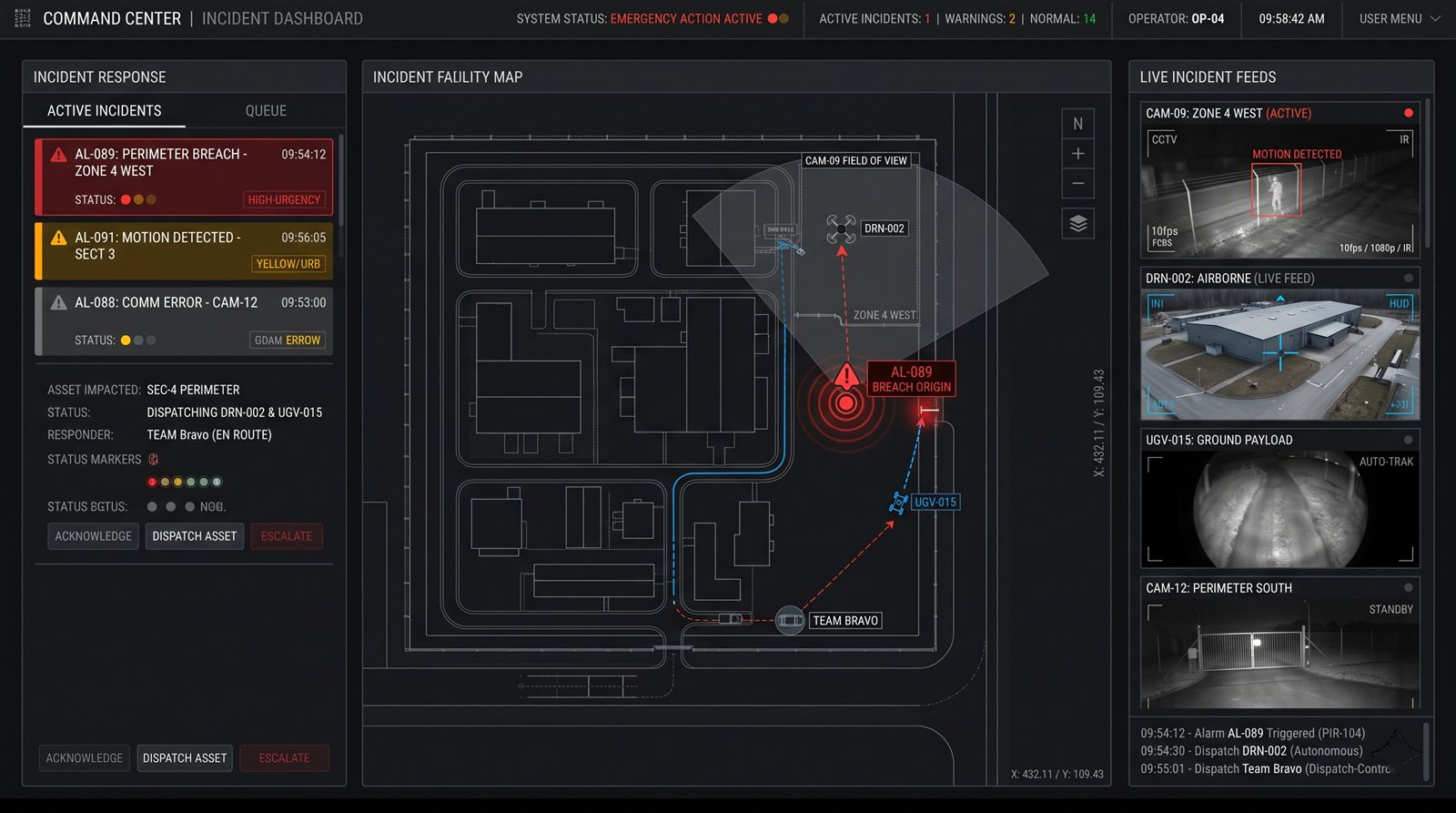
Alarm verification
Send a robot or drone to check an alarm before a guard is dispatched.
View details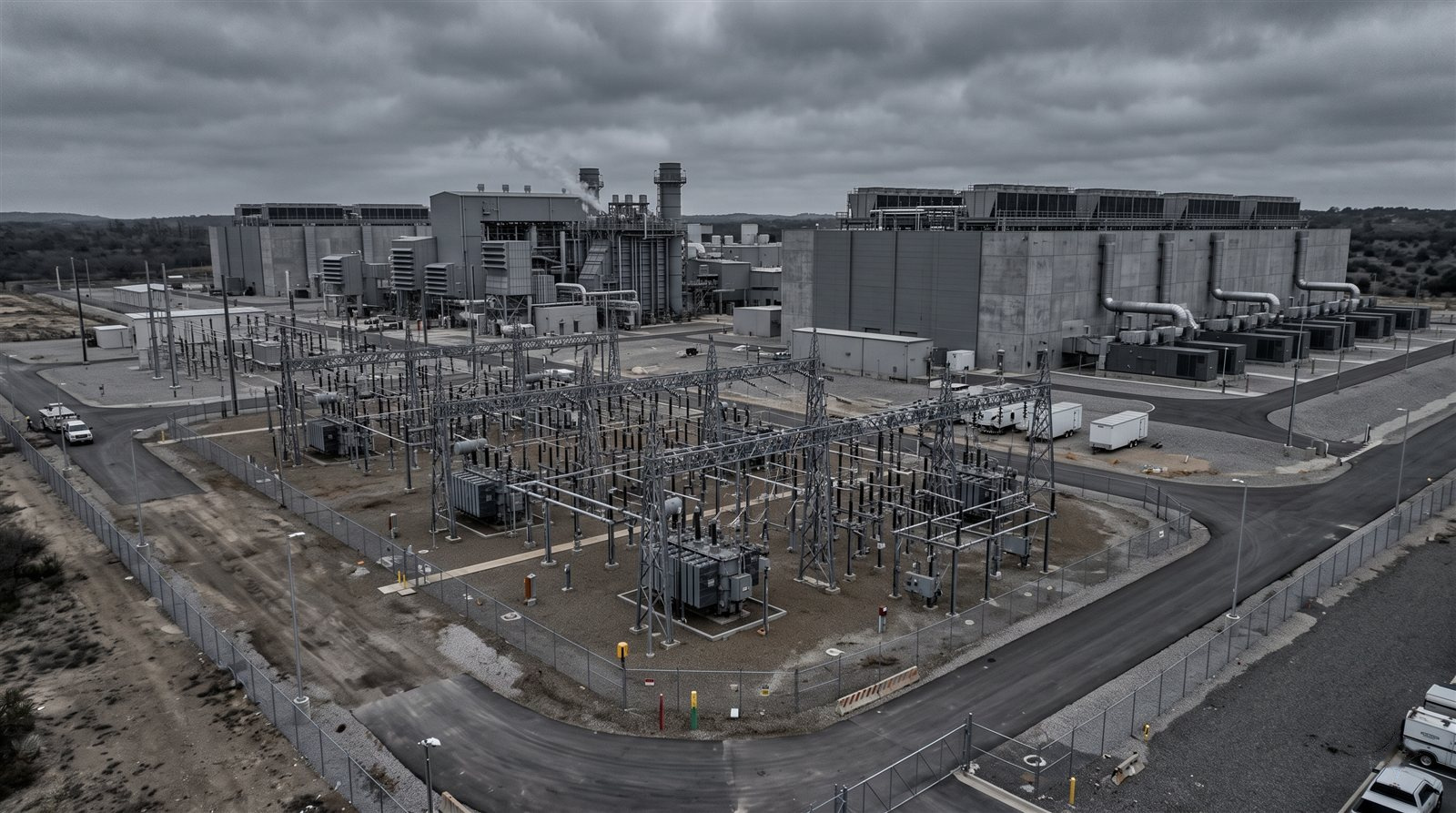
Critical infrastructure protection
Scope coverage for energy, utilities, logistics hubs and data centers.
View details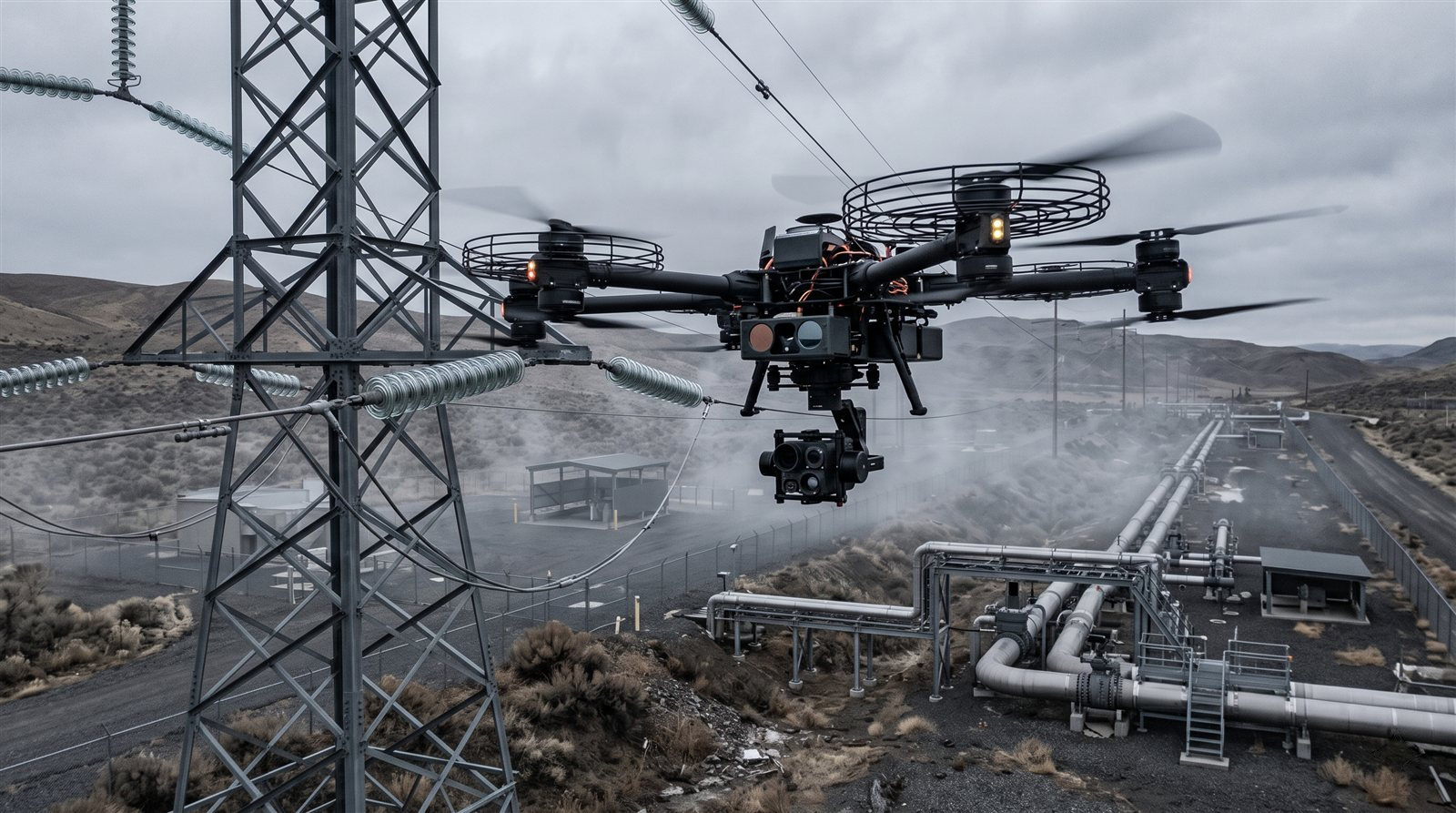
Facility inspection
Scope inspection workflows for pipelines, power lines, substations and facilities.
View details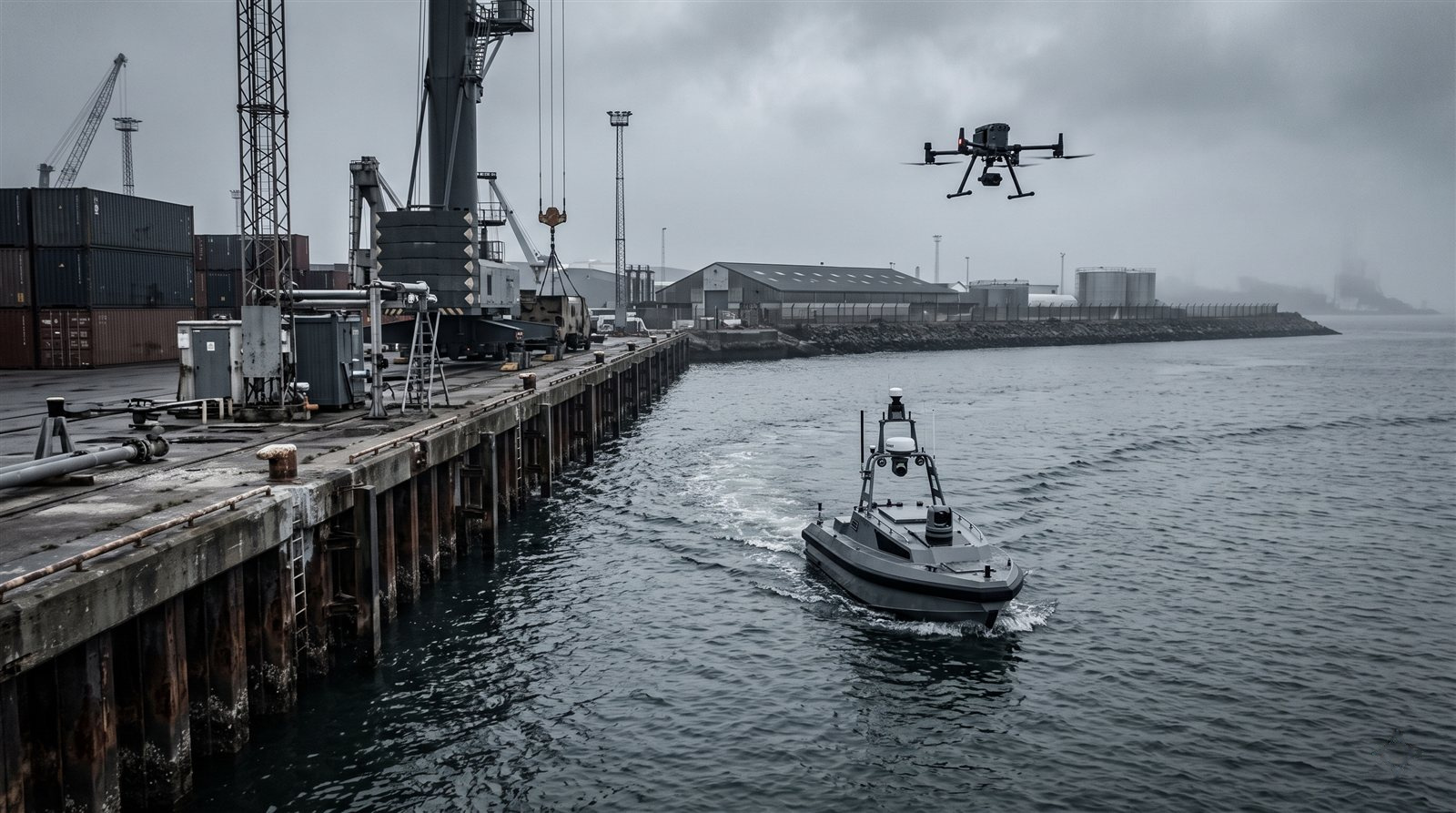
Ports and coastlines
Explore maritime surveillance with selected USVs and UAVs.
View details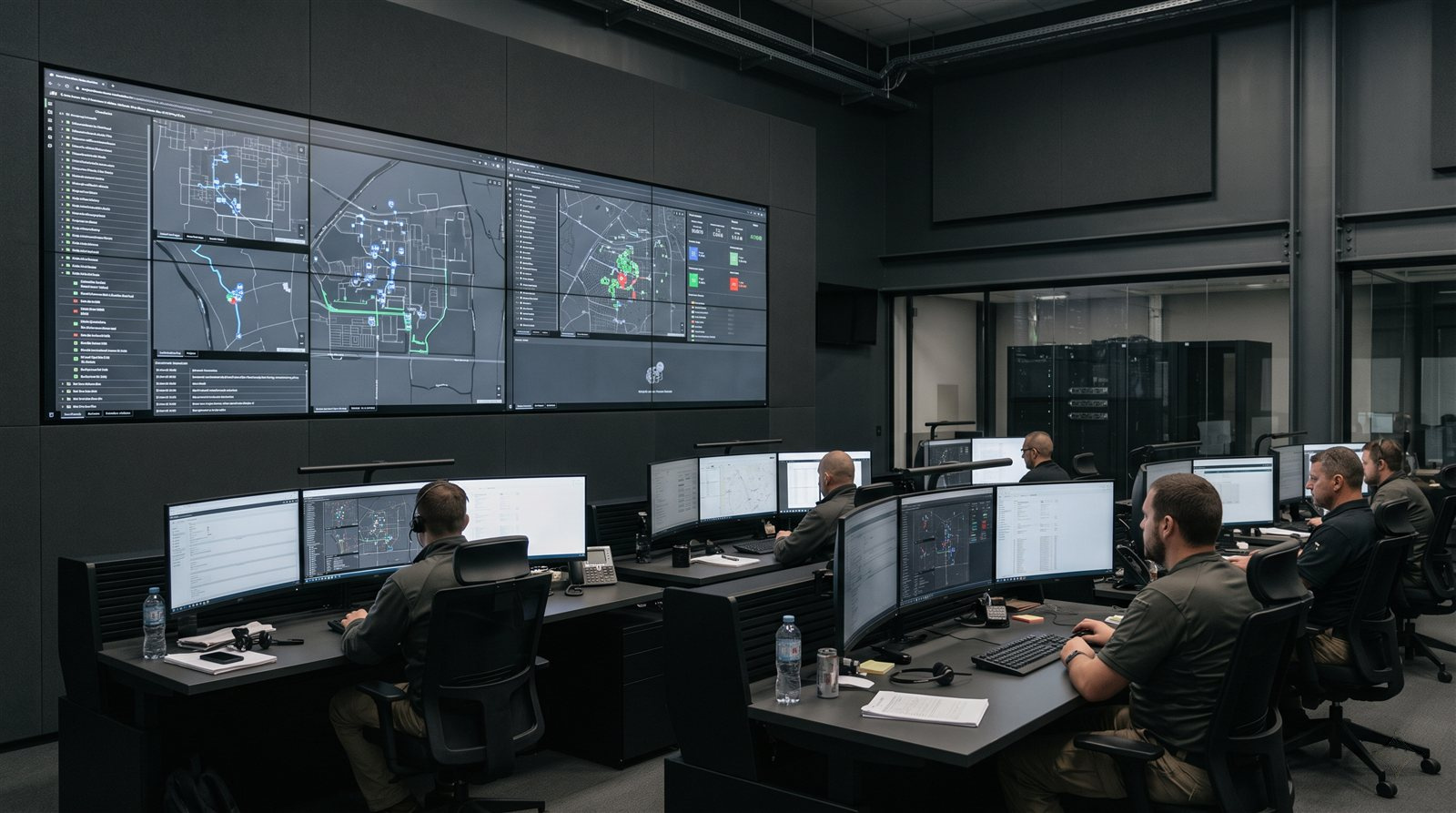
Multi-site operations
See robots, drones and alerts from several sites in one interface.
View details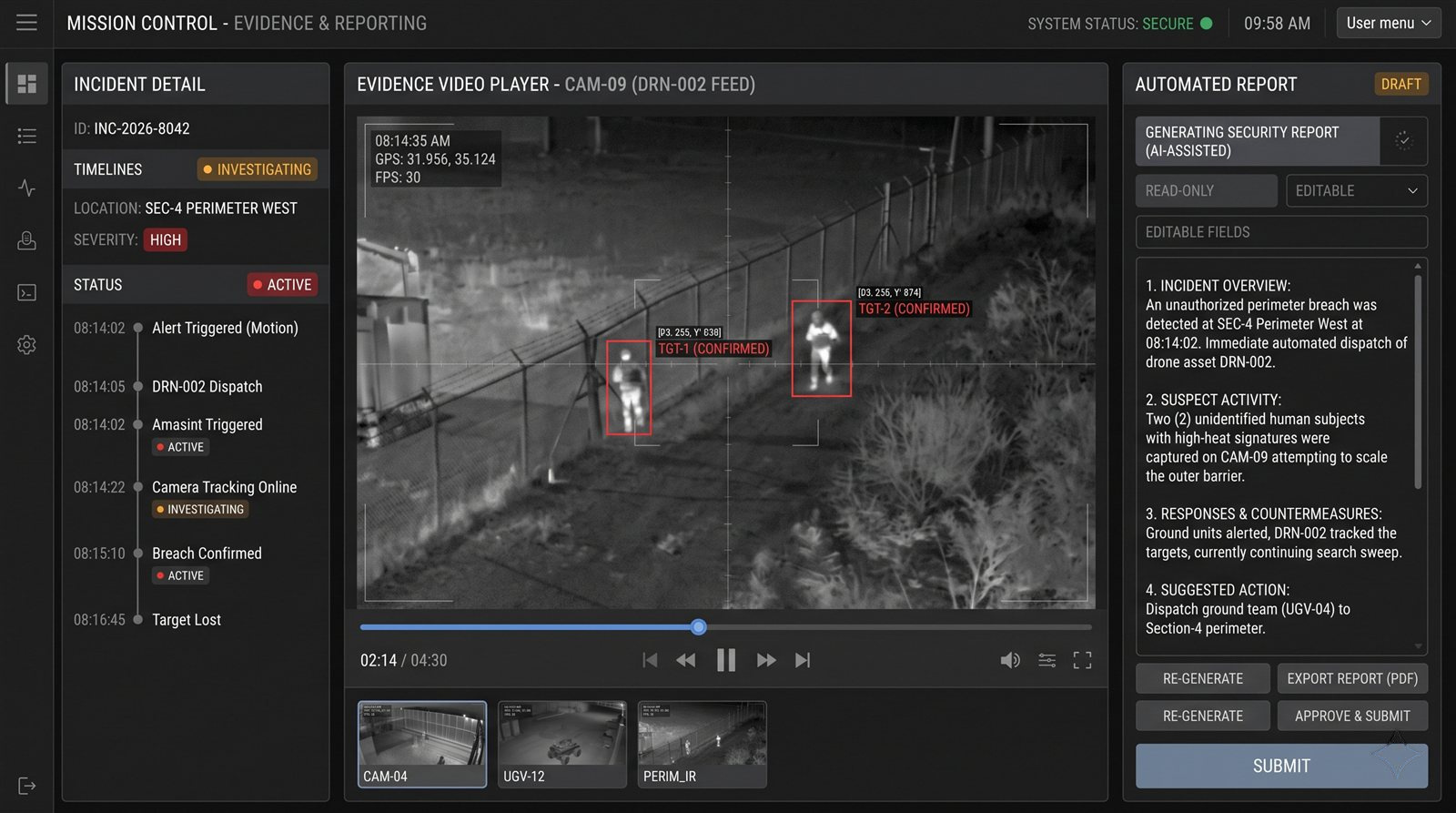
Incident evidence and reporting
Collect evidence and generate incident reports automatically.
View details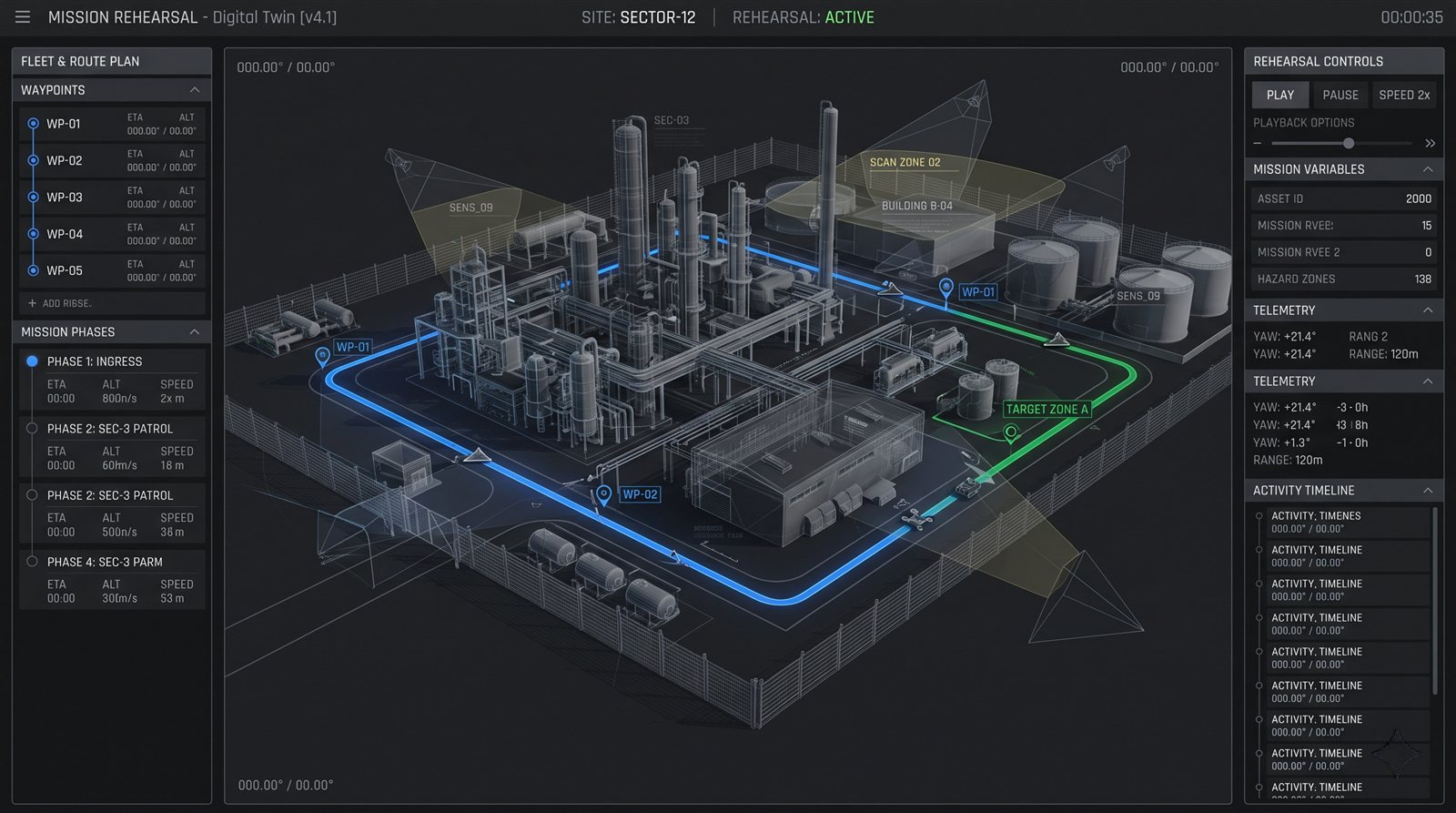
Mission rehearsal on a site twin
Rehearse missions on a model of your site before they run for real.
View details/01Patrol
Scheduled perimeter patrols
Challenge
Guard turnover and shift gaps make regular patrols hard to staff consistently.
How Omokai could help
Operators schedule a mission such as "Patrol Sector C at 2:00 AM on Sunday". Omokai selects eligible robots or drones, plans the route and reports what it found.
Workflow
- 1Schedule the patrol
- 2Select eligible assets
- 3Execute the route
- 4Report changes
Points to evaluate
- Robot and drone models in scope
- Site map and access constraints
- Approval and logging requirements
/02Alert to action
Alarm verification
Challenge
Cameras detect but cannot act, so a guard often has to go and check the situation in person.
How Omokai could help
When a camera flags movement, Omokai proposes a ground robot and optionally a drone for a second view. After operator approval, video and readings confirm the situation or flag an exception.
Workflow
- 1Alert received
- 2Operator assigns assets
- 3Robot video verifies
- 4Evidence stored in the VMS
Points to evaluate
- VMS and alarm panel interfaces
- Detection and verification criteria
- When guards must be called
/03Infrastructure
Critical infrastructure protection
Challenge
Operators of critical sites face growing physical-resilience duties with flat staffing.
How Omokai could help
Omokai coordinates patrols, verification and documentation so teams can define which duties are supported by autonomous assets, with operators approving actions.
Workflow
- 1Map assets and risks
- 2Define coverage rules
- 3Run patrols and verification
- 4Document events
Points to evaluate
- Applicable regulation for your site
- Audit coverage and retention
- Deployment: edge, on-premise or cloud
/04Inspection
Facility inspection
Challenge
Inspections are repeated, manual and documented by hand.
How Omokai could help
Omokai plans inspection routes, tasks the right robot or drone and generates a report of what changed since the last run.
Workflow
- 1Define inspection routes
- 2Dispatch assets
- 3Capture data
- 4Compare and report
Points to evaluate
- Sensors and payloads required
- Report format
- Indoor or GPS-weak navigation needs
/05Maritime
Ports and coastlines
Challenge
Quays, terminals and coastal approaches cover large areas that fixed cameras do not fully see.
How Omokai could help
Omokai can coordinate USVs and UAVs for surveillance and verification while operators keep approval over dispatch.
Workflow
- 1Define the area
- 2Assign USV and UAV roles
- 3Monitor and verify
- 4Report to operators
Points to evaluate
- Vehicle interfaces and weather limits
- Communications coverage
- Integration with port systems
/06Operations
Multi-site operations
Challenge
Each site tends to have separate tools and teams, which makes central oversight difficult.
How Omokai could help
Mission Control gives operators one place to command mixed fleets across sites, with the same approval and audit model everywhere.
Workflow
- 1Connect each site
- 2Register assets
- 3Monitor centrally
- 4Apply common policies
Points to evaluate
- Connectivity between sites
- Data residency per site
- Roles and access
/07Evidence
Incident evidence and reporting
Challenge
Documentation, coordination and insurance procedures add manual work after every incident.
How Omokai could help
Omokai records what assets did, attaches robot video and readings, and drafts a report that stays in the incident record.
Workflow
- 1Capture mission data
- 2Attach video and readings
- 3Draft the report
- 4Store in the incident system
Points to evaluate
- Required report contents
- Case tool integration
- Retention requirements
/08Digital twin
Mission rehearsal on a site twin
Challenge
Testing new patrol or response plans on a live site is slow and disruptive.
How Omokai could help
The digital twin pack, currently in pilot, lets teams rehearse missions on a site model first. Availability must be confirmed for your evaluation.
Workflow
- 1Build the site model
- 2Define the mission
- 3Rehearse
- 4Refine before deployment
Points to evaluate
- Mapping effort and timeline
- Fidelity needed for your site
- Pilot scope and criteria
Discuss a security use case with us.
Tell us about your site and systems so we can discuss feasibility, scope and acceptance criteria.